Step-1: download and unzip the portfolio
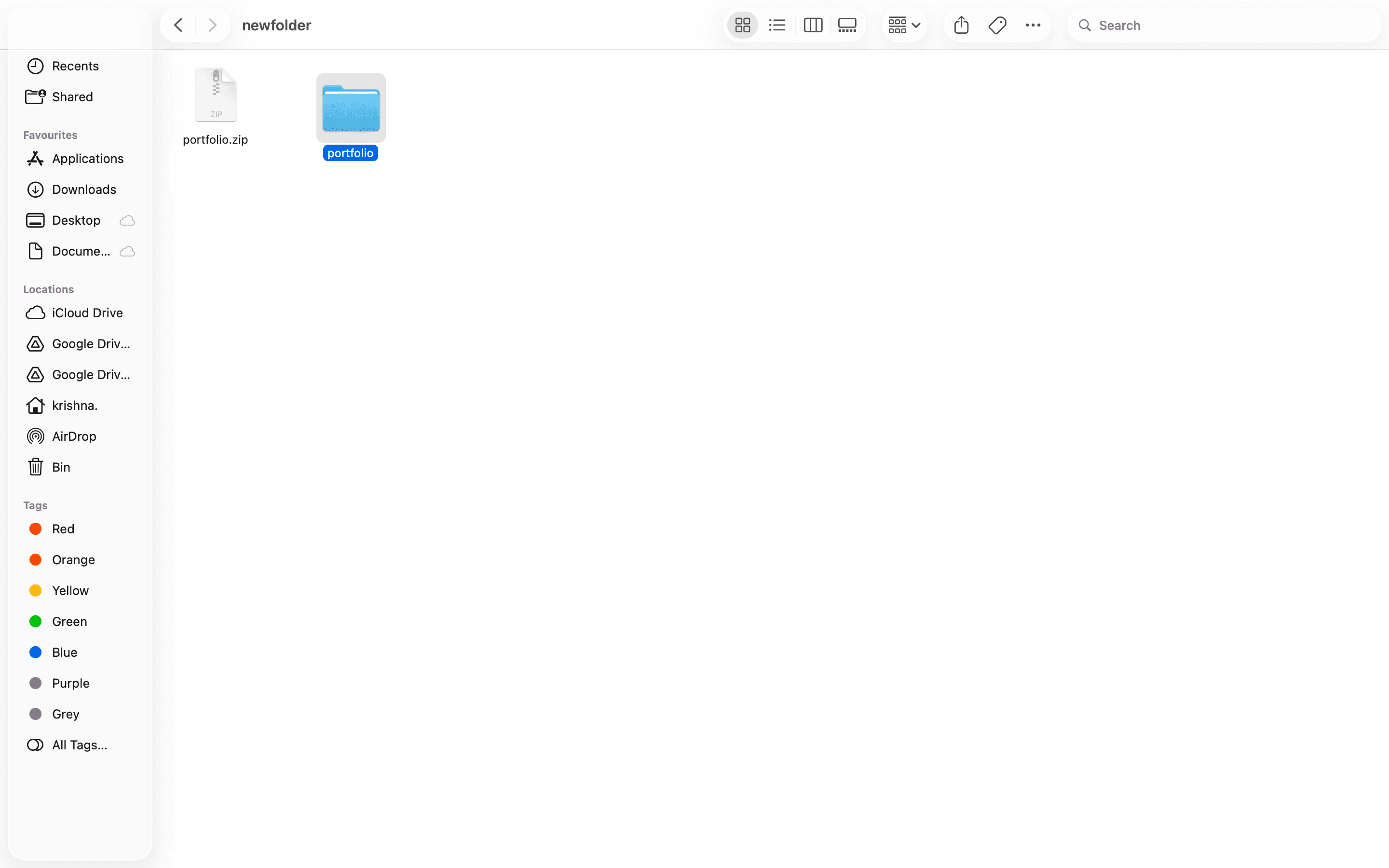
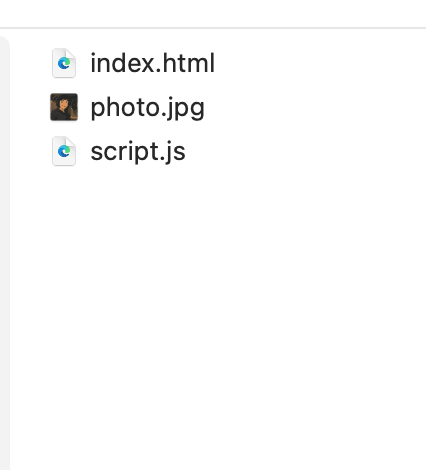
After download the zip file, unzip the file to a desired location in your system.
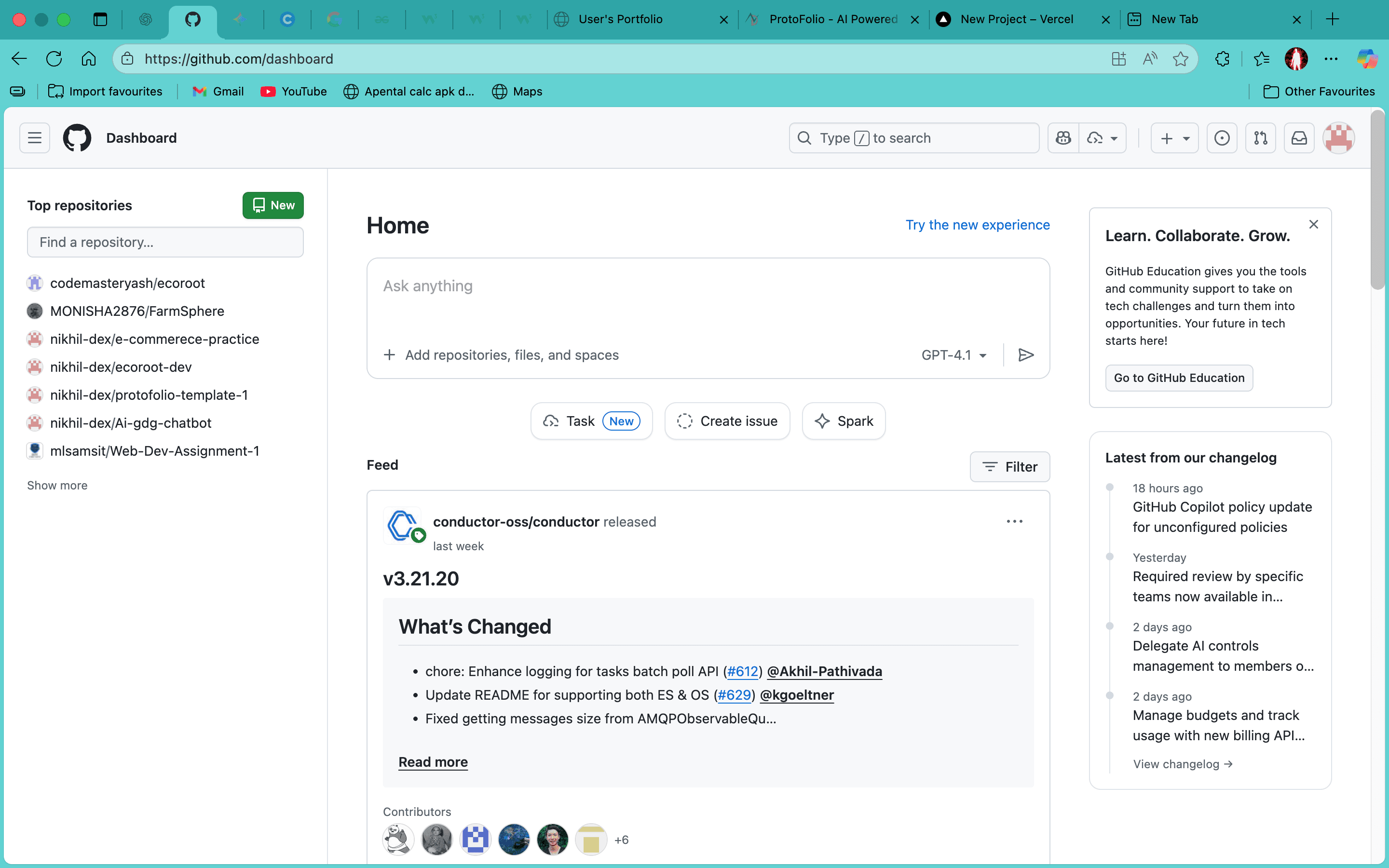
Step-2: create a new repository for your portfolio in Github
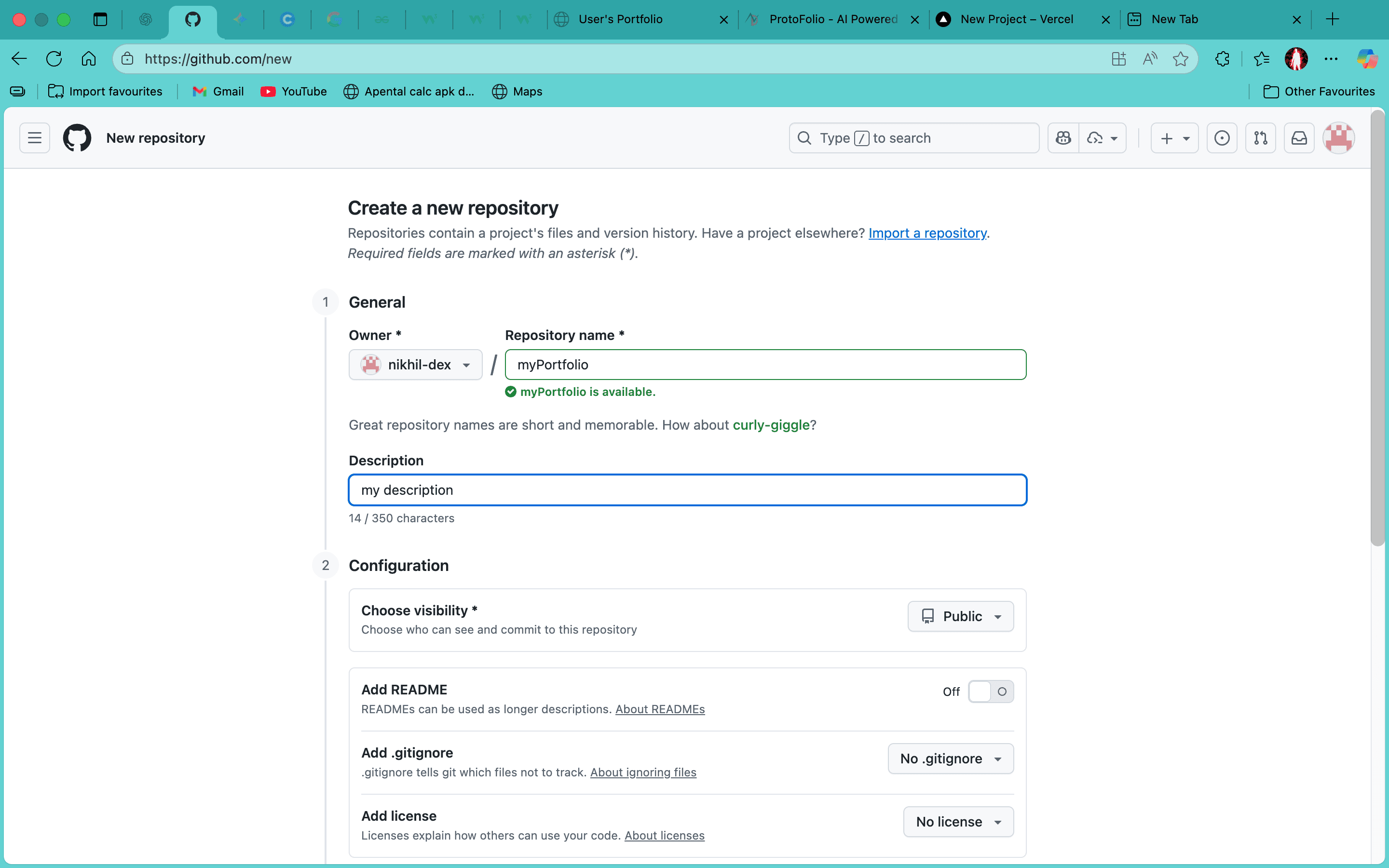
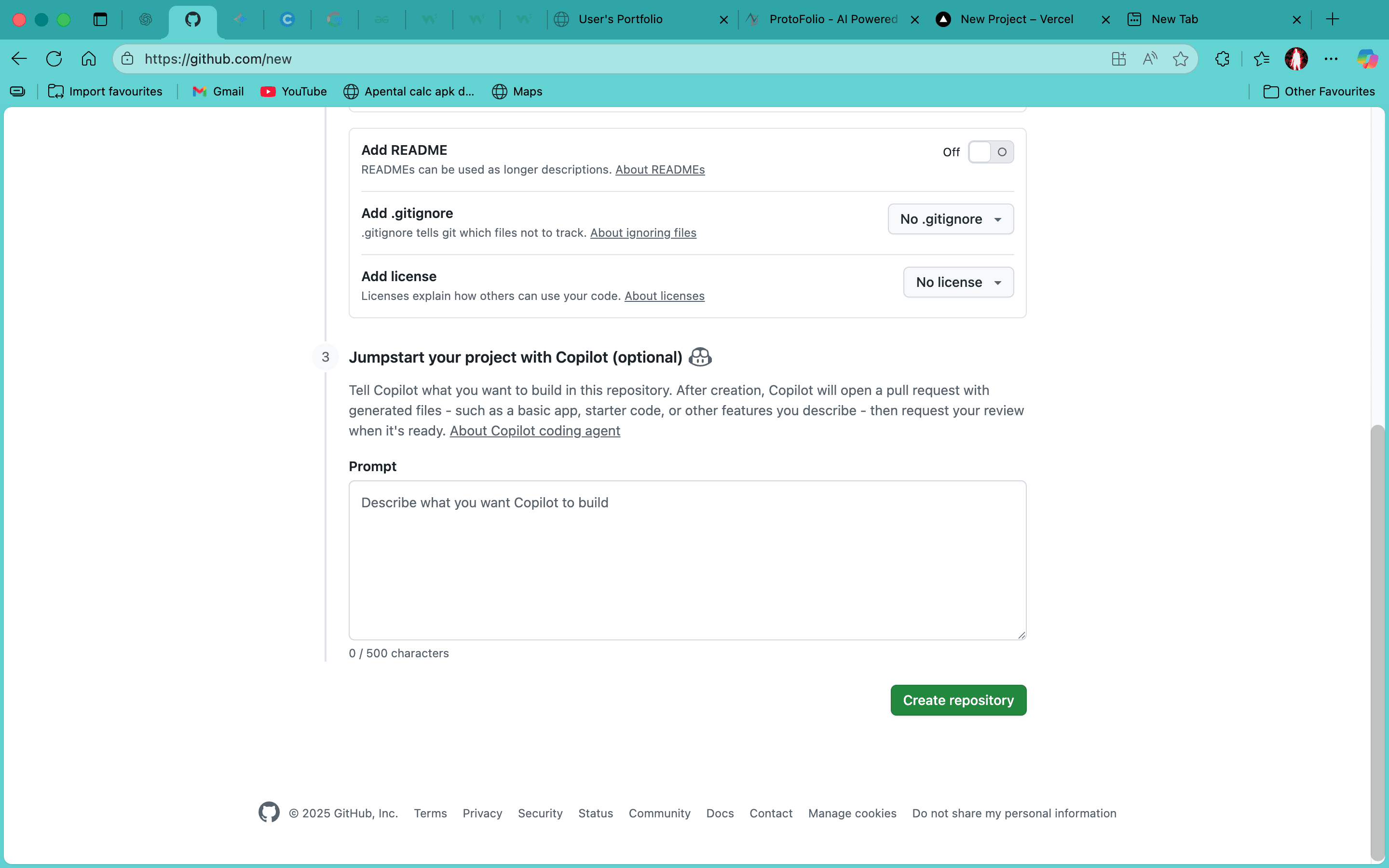
Give your portfolio a unique name and click on create repository.Make sure the visibility is set to public
Step-3: push your portfolio to github
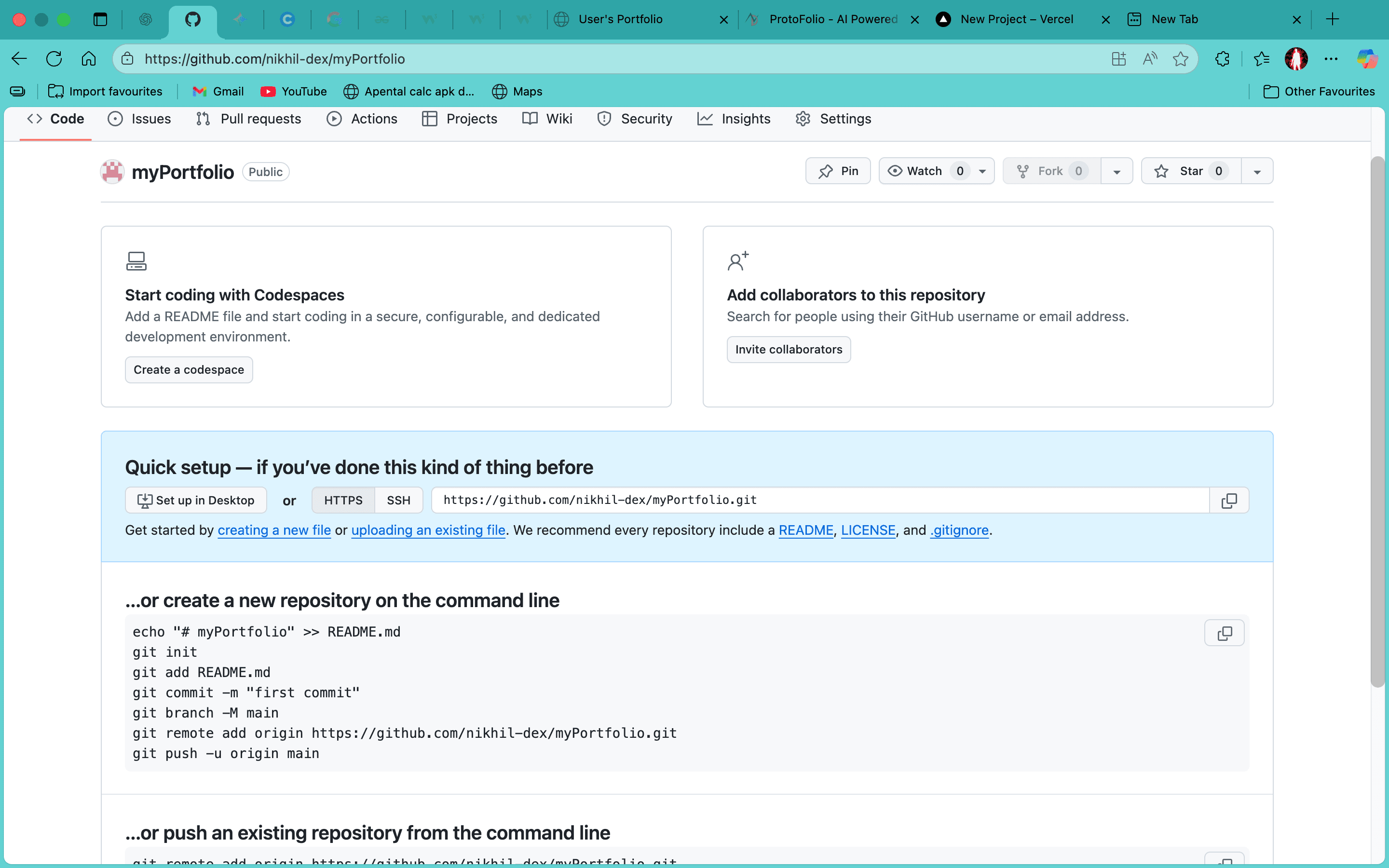
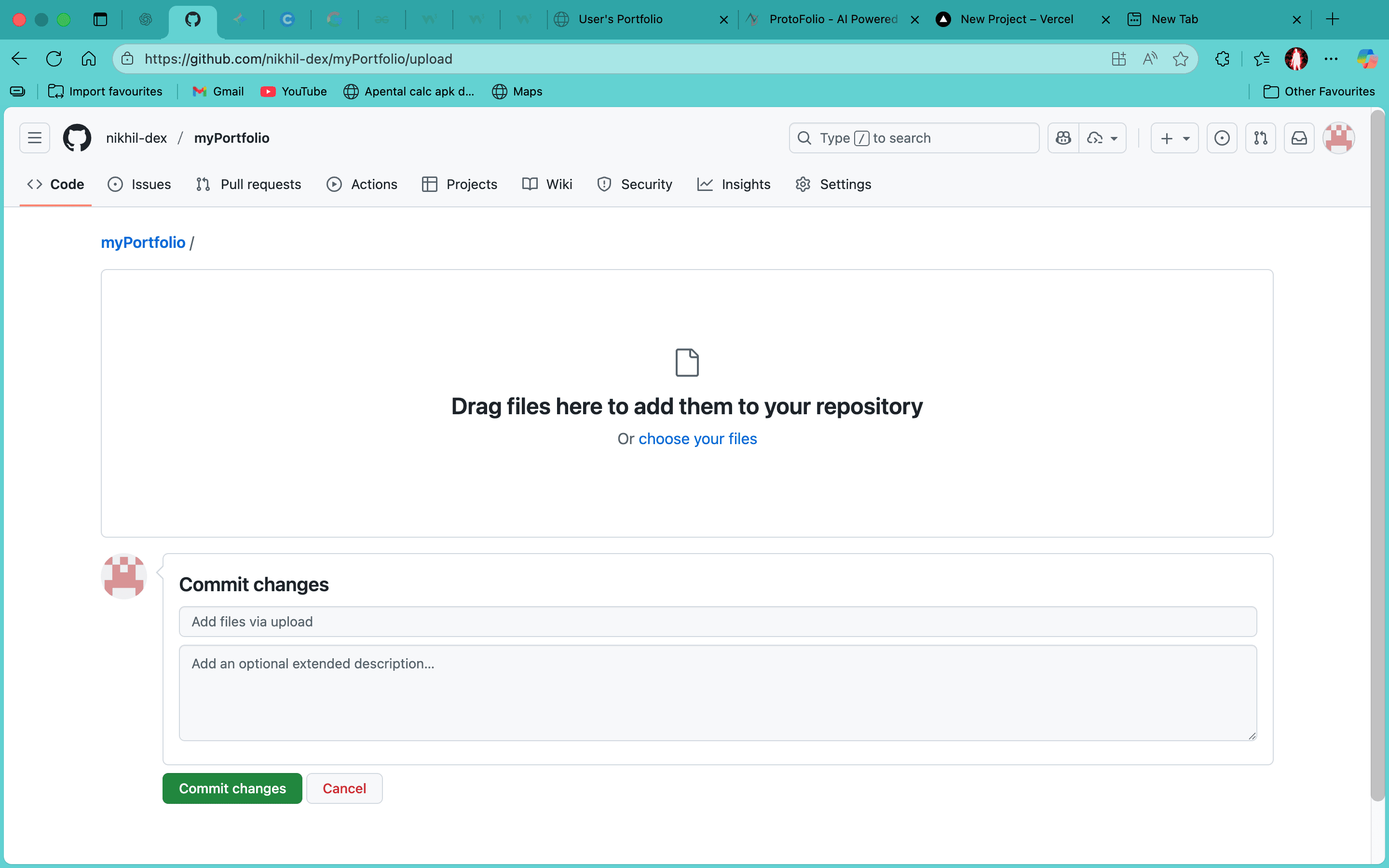
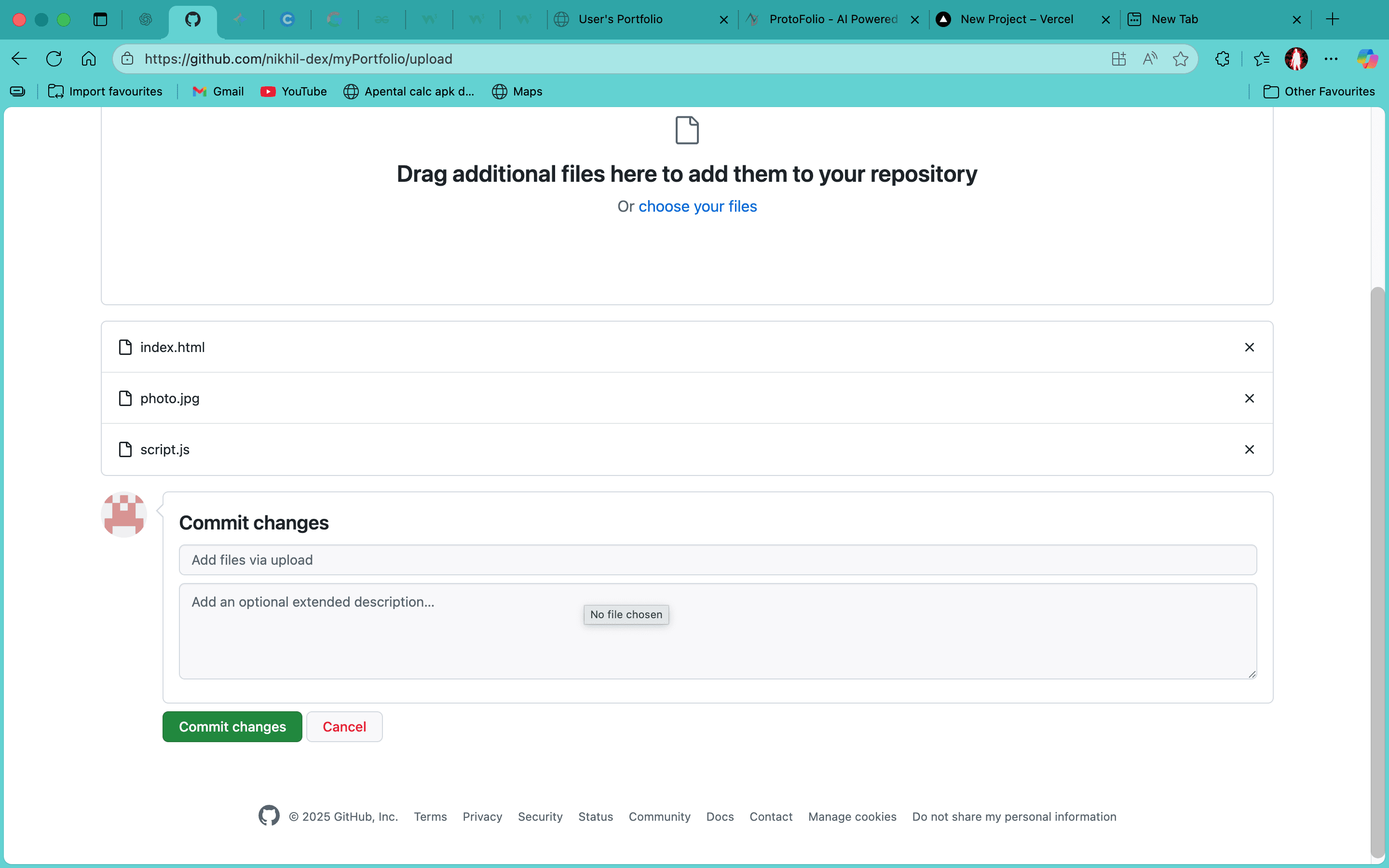
After creating the repo we need to upload the portfolio files to the repo we just created.
- Click on uploading an existing file
- Drag and drop all the files from the unzipped folder to the github upload area.
- Finally click on commit changes.
Step-4: deploy your portfolio
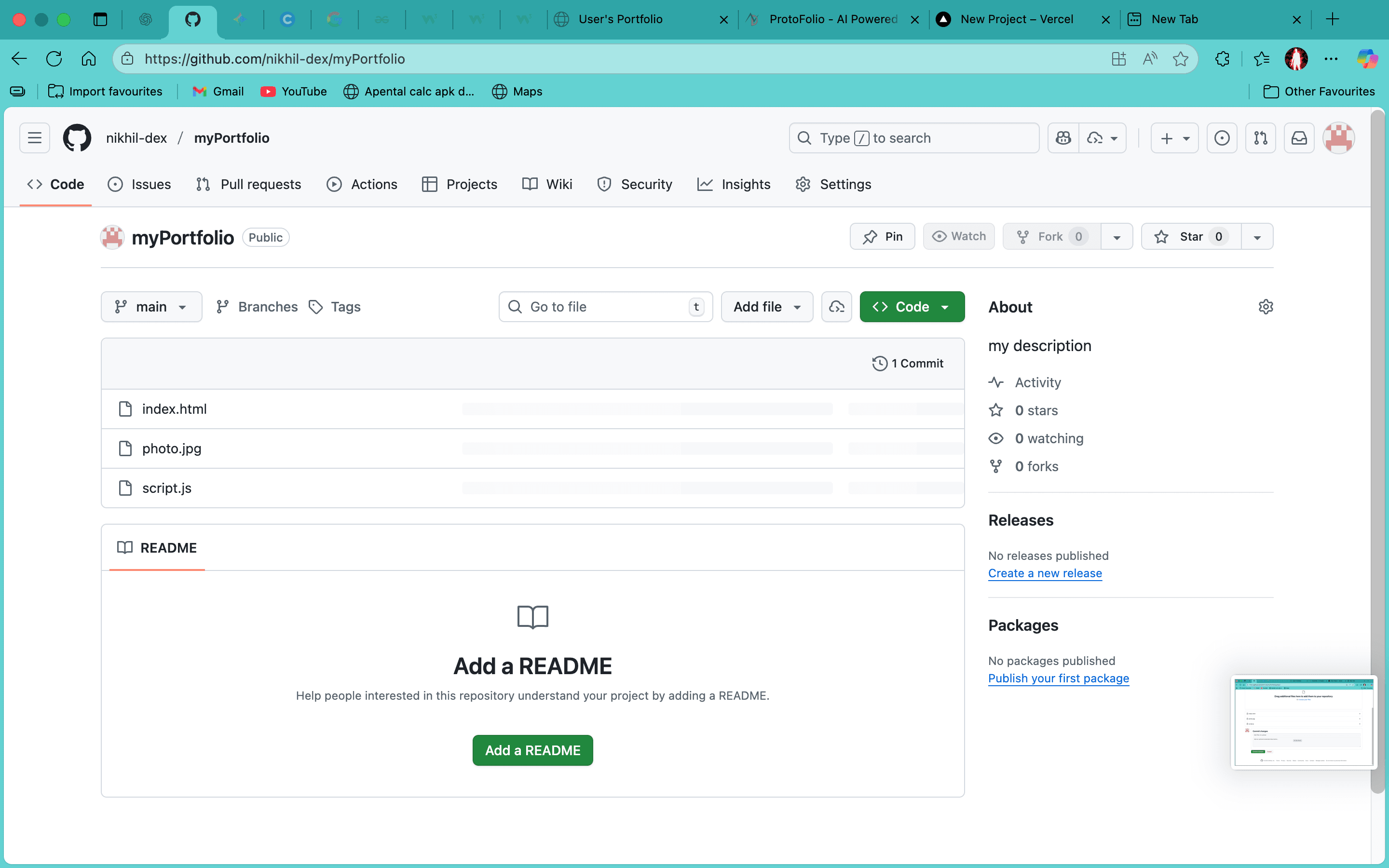
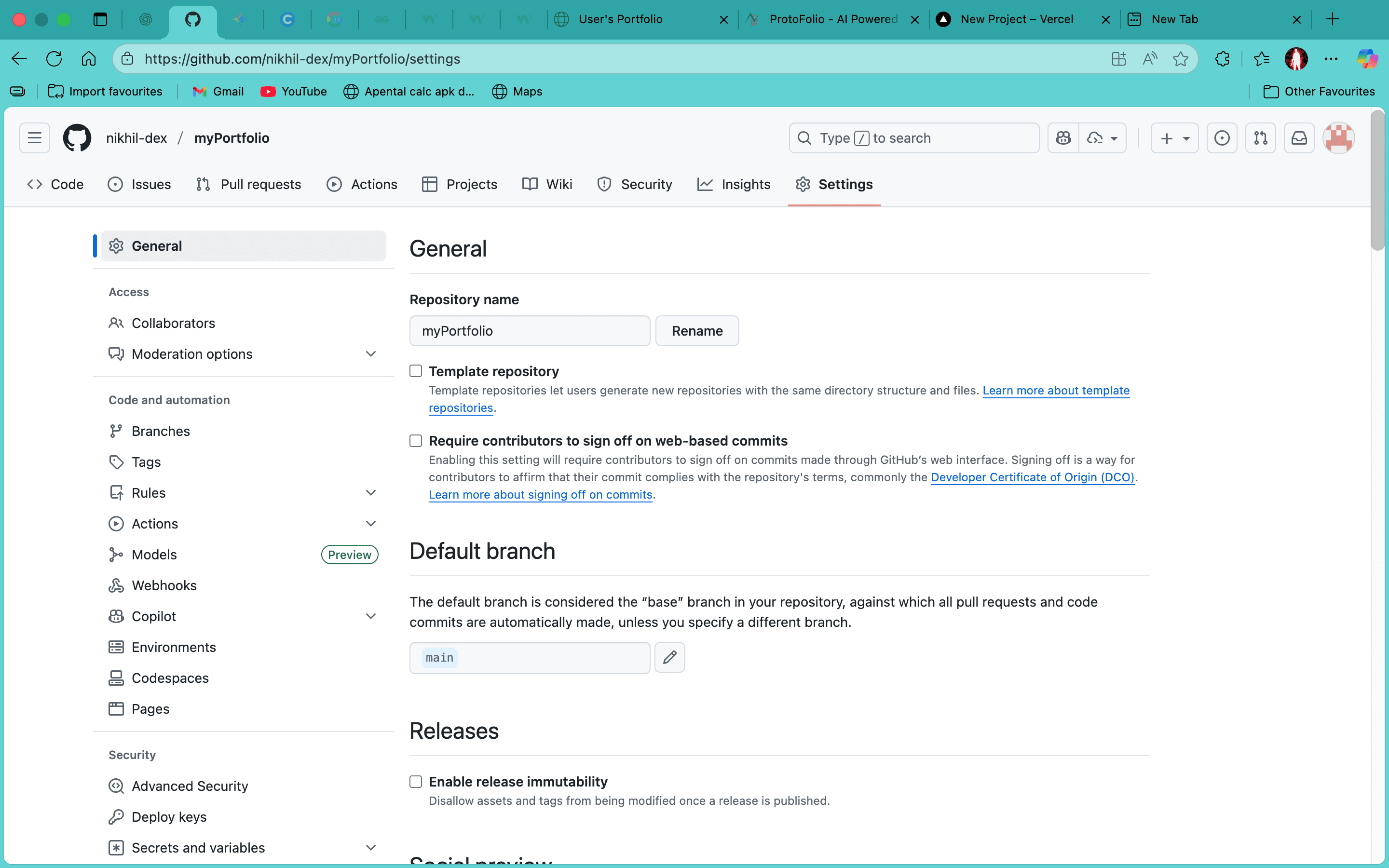
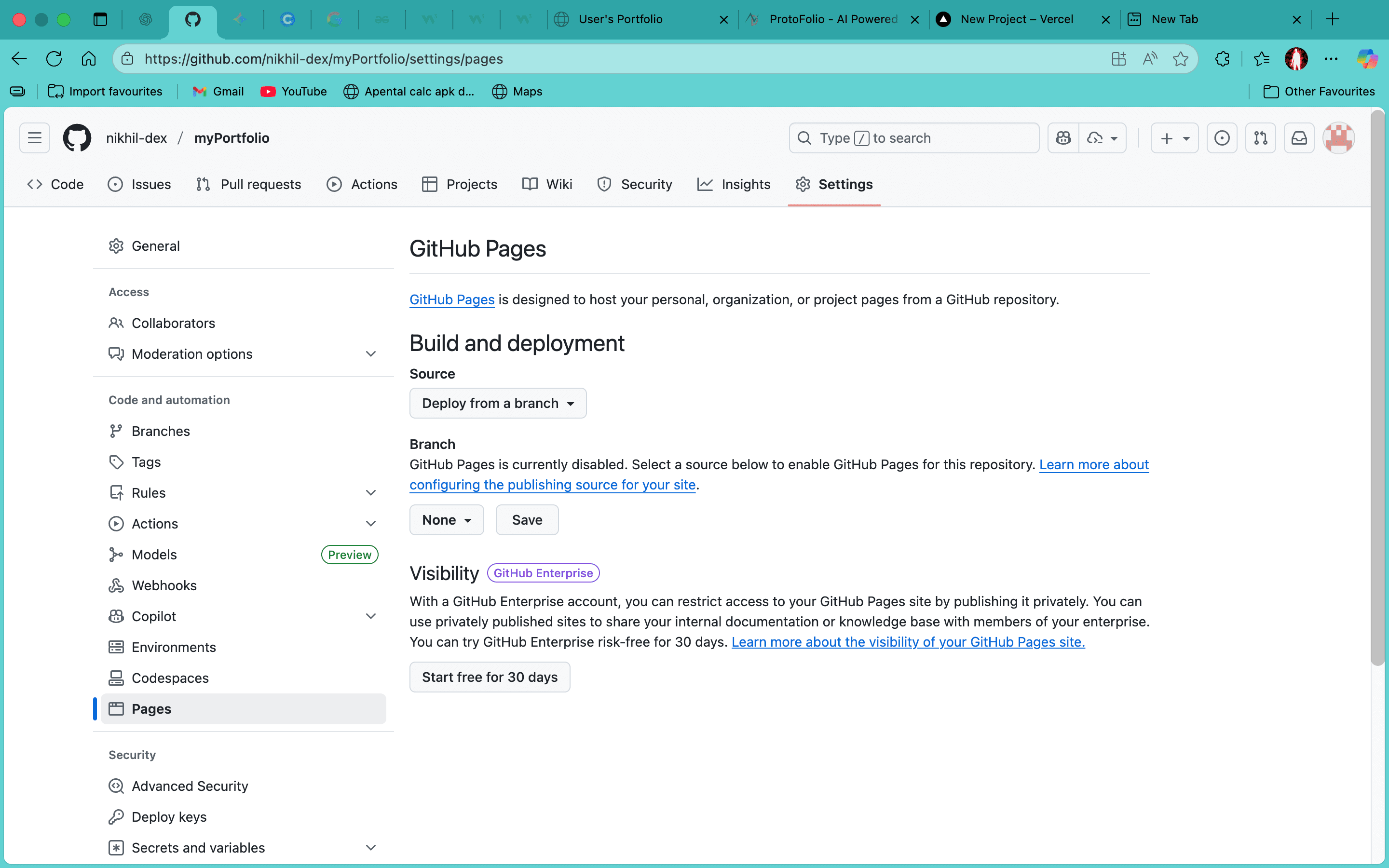
After successfully push deploy your portfolio
- Go to settings and click on pages
- select none button and click on main
- Set the source to the branch you just pushed to
- Finally click on save.
Step-5: get your portfolio link
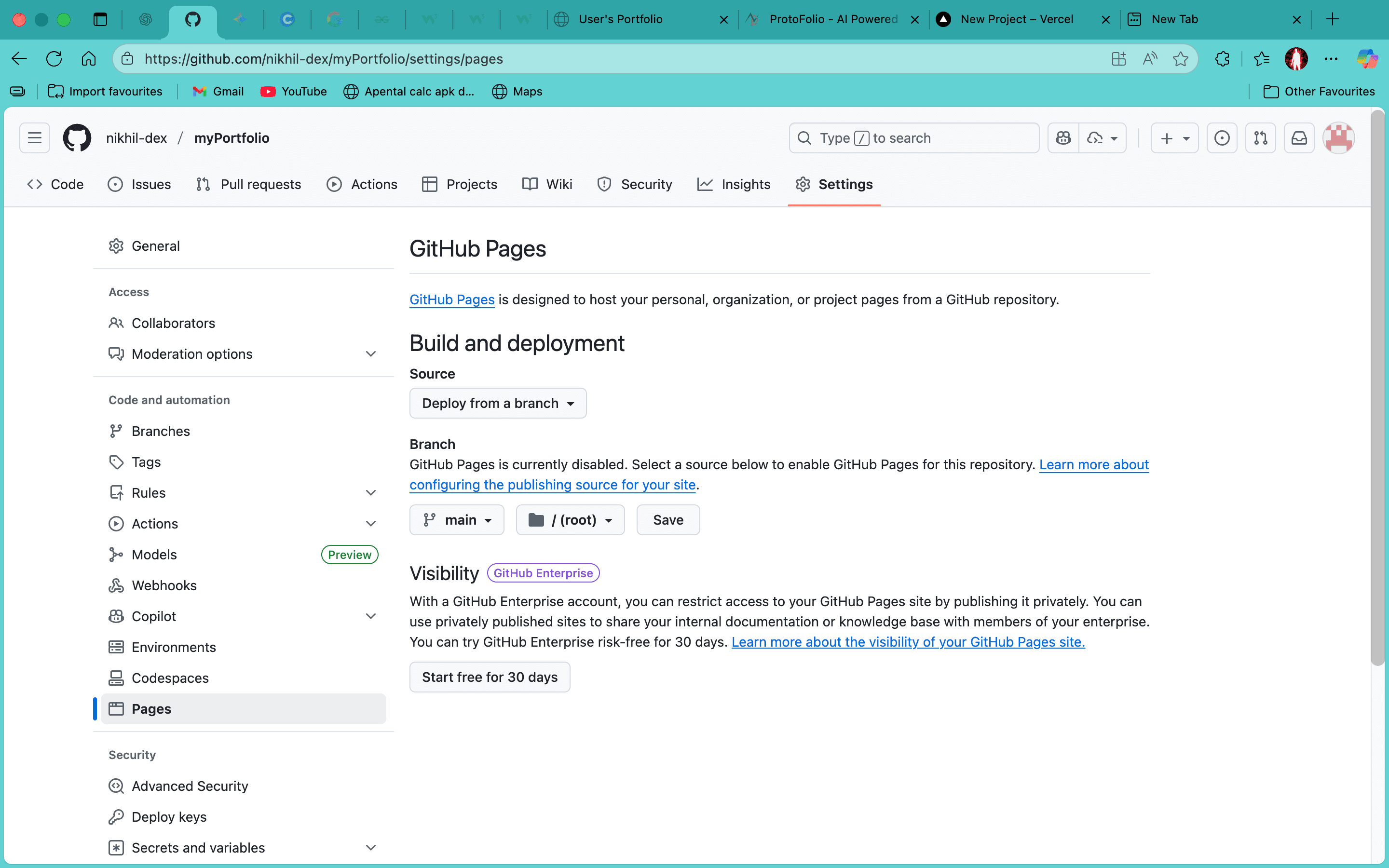
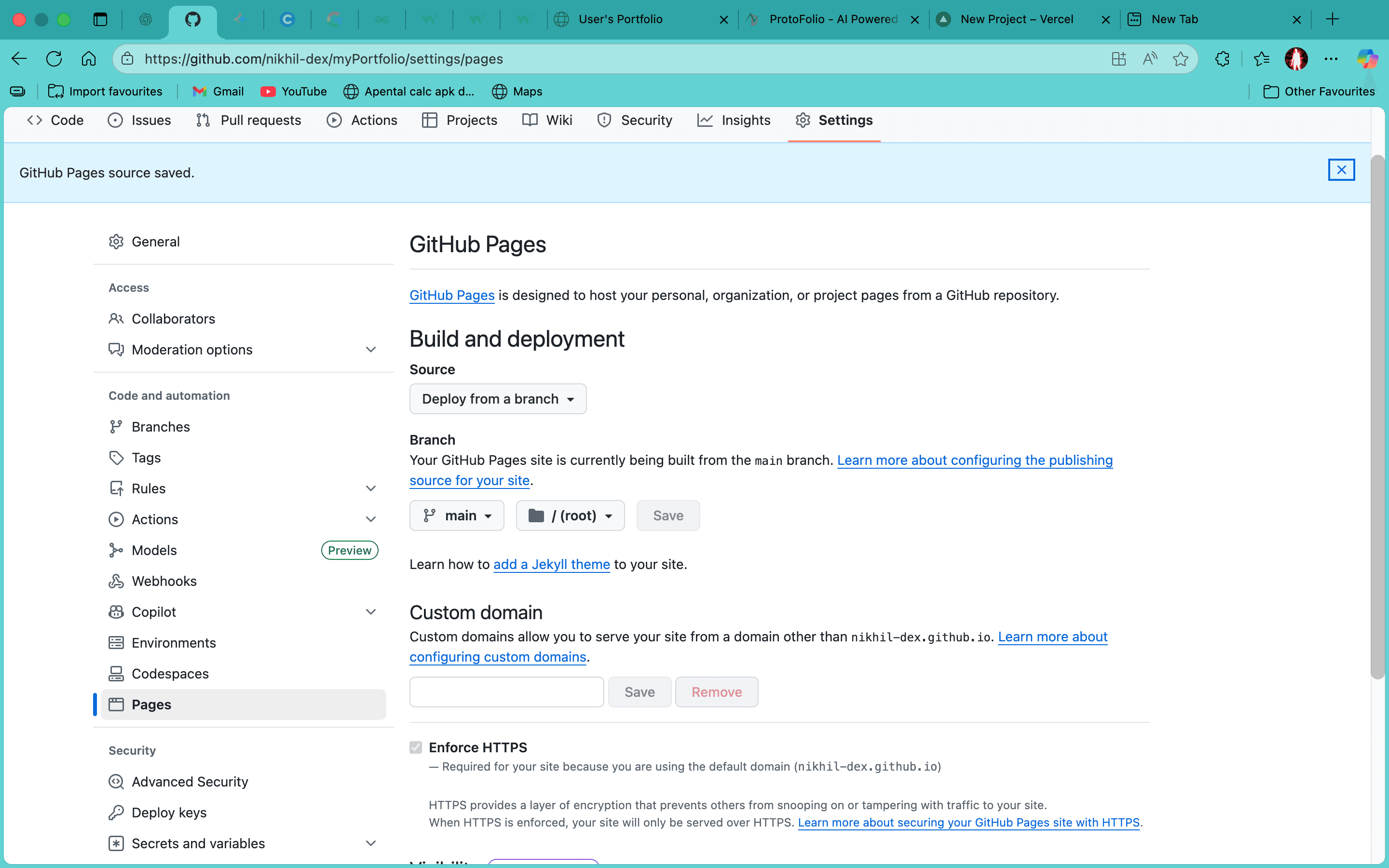
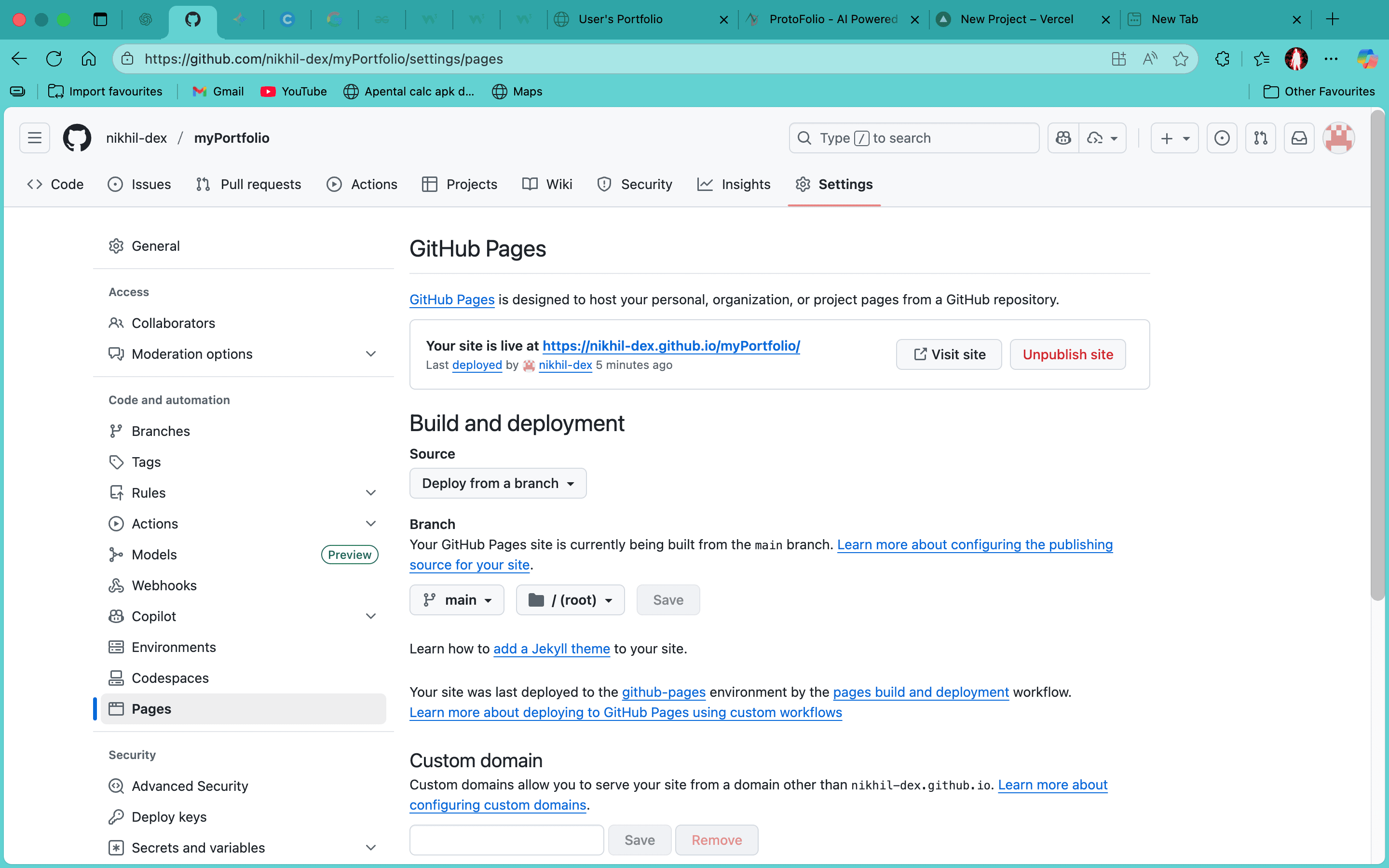
After set branch to main your portfolio will be live in few minutes.
- After click on save your portfolio will be live in few minutes.
- you may access at https://github_username.github.io/repo_name